Share
Share7 Office Internet Connectivity Issues Slowing Your Business Down—and How to Fix Them
-
 August 21, 2025
 -

 6 min read

In an increasingly digital business landscape, reliable internet connectivity isn’t a luxury—it’s a necessity. Yet, even with the best business internet service, many offices routinely face connectivity challenges that hamper productivity and disrupt operations.
This guide breaks down the seven most common office internet connectivity issues, their root causes, and practical solutions to get your business back up to speed. We’ll also explore how enterprise-grade services like Airtel Campus Wi-Fi are designed to address these pain points.



Slow Network Speeds
Sluggish internet is arguably the most frustrating connectivity issue in any workplace. It manifests as delays in loading web pages, laggy application response times, and difficulties with file transfers or cloud services.
Primary Causes
- Insufficient Bandwidth: Many offices operate with internet plans that don’t provide enough bandwidth for their actual usage needs, especially during peak hours when multiple users are engaging in bandwidth-intensive activities simultaneously.
- Outdated Hardware: Ageing routers, modems, and network equipment can significantly bottleneck connection speeds, even when the incoming service is robust.
- Network Congestion: Too many devices competing for the same network resources can create congestion, particularly in offices without proper network segmentation or quality of service (QoS) configurations.
Solutions
- Bandwidth Assessment and Upgrade: Analyse your office’s real bandwidth requirements based on the number of connected devices, typical usage patterns, and peak demand periods. Then, upgrade your internet plan accordingly.
- Hardware Refresh: Replace outdated routers, switches, and access points with modern, enterprise-grade equipment designed to handle today’s network demands.
- Regular Maintenance: Implement scheduled network maintenance, including router reboots, firmware updates, and cable inspections to ensure optimal performance.
Inconsistent WiFi Coverage and Dead Zones
Spotty wireless coverage resulting in WiFi dead zones is a common issue, especially in larger offices, multi-floor setups, or buildings with challenging layouts.
Primary Causes
- Physical Obstructions: Walls, doors, furniture, and other physical barriers can significantly impede WiFi signal propagation. Materials like concrete, metal, and plaster are particularly problematic.
- Suboptimal Access Point Placement: Improper positioning of wireless access points often results in patchy coverage and unnecessary signal overlap or interference.
Solutions
- WiFi Site Survey: Conduct a professional wireless site survey to map signal strength throughout your office and identify optimal access point placement.
- Mesh Network Deployment: Implement a mesh WiFi system that uses multiple access points working together to provide seamless coverage across the entire office.
- Strategic Access Point Installation: Install enterprise-grade access points in key locations to ensure comprehensive coverage without dead zones.
Network Congestion and Overload
As businesses increasingly rely on cloud services, video conferencing, and other bandwidth-hungry applications, network congestion has become a major challenge.
Primary Causes
- Too Many Connected Devices: The proliferation of company-issued and personal devices connecting to the network can strain available bandwidth.
- Bandwidth-Intensive Applications: Video calls, large file transfers, streaming services, and cloud backups can consume disproportionate amounts of bandwidth.
Solutions
- Bandwidth Allocation and QoS: Configure your network to prioritise critical business applications and services over less essential traffic.
- Traffic Monitoring: Use network monitoring tools to identify which applications and devices are consuming the most bandwidth.
- Network Segmentation: Divide your network into separate VLANs (Virtual Local Area Networks) to isolate different types of traffic and reduce overall congestion.
Unauthorised Network Access
Unauthorised users accessing your network can compromise both security and performance, consuming bandwidth and potentially exposing sensitive data.
Primary Causes
- Weak WiFi Security: Inadequate encryption, simple passwords, or outdated security protocols make networks vulnerable to unauthorised access.
- Improper Access Controls: Lack of proper network access controls and authentication mechanisms can allow unauthorised users to connect.
Solutions
- Strong Encryption and Authentication: Implement WPA3 encryption and strong, regularly updated passwords for all network access.
- Network Access Control: Deploy solutions that authenticate devices before allowing them to connect to the network.
- Guest Network Segregation: Create separate, isolated guest networks for visitors to prevent them from accessing your main business network.
DNS and IP Configuration Issues
DNS (Domain Name System) problems and IP configuration issues can cause intermittent connectivity problems that are often tricky to diagnose.
Primary Causes
- DNS Server Problems: Issues with your ISP’s DNS servers or misconfigured local DNS settings can result in slow or failed domain name resolutions.
- IP Address Conflicts: Multiple devices assigned the same IP address can cause connectivity issues for the affected devices.
Solutions
- Alternative DNS Servers: Configure your network to use reliable public DNS servers (like Google’s 8.8.8.8 or Cloudflare’s 1.1.1.1) instead of your ISP’s default servers if they’re experiencing problems.
- Static IP Assignment for Key Devices: Assign static IP addresses to critical network devices like servers and printers to prevent IP conflicts.
Hardware and Cable Failures
Physical infrastructure problems, including damaged cables, faulty network cards, or failing routers, can cause persistent connectivity issues.
Primary Causes
- Cable Damage: Physical damage to network cables from improper installation, office renovations, or wear and tear can cause intermittent connectivity issues.
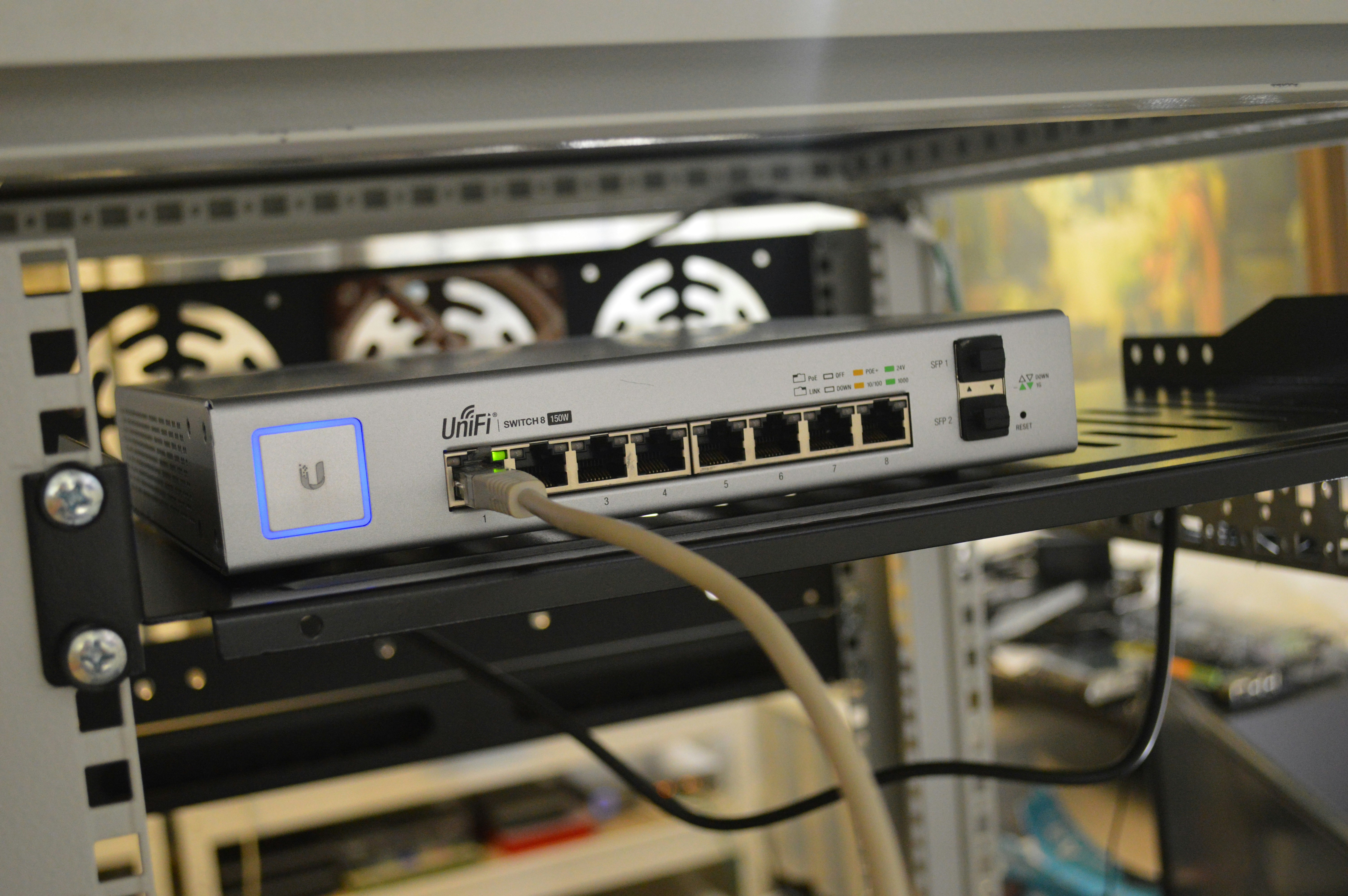
- Failing Network Equipment: Routers, switches, and modems have limited lifespans and can develop hardware issues over time.
Solutions
- Regular Cable Inspection: Periodically inspect and test network cables, especially in high-traffic areas or locations prone to interference.
- Hardware Redundancy: Implement redundant network equipment for critical infrastructure to minimise downtime during hardware failures.
- Proactive Equipment Replacement: Establish a regular replacement schedule for network equipment before it reaches end-of-life.
How Airtel Campus Wi-Fi Addresses These Challenges
Airtel Campus Wi-Fi is a business-grade connectivity solution designed specifically to address the common office internet connectivity issues discussed above. It provides:
- Enterprise-Grade Reliability: Dedicated bandwidth with Service Level Agreements (SLAs) guaranteeing specific performance metrics, including uptime, latency, and throughput.
- Advanced Network Management: Sophisticated tools allow IT administrators to monitor bandwidth usage, implement QoS policies, and detect issues proactively.
- Enhanced Security Features: Enterprise-grade firewalls, intrusion detection/prevention systems, and secure VPN access for remote workers.
- Comprehensive Support: Dedicated business support teams, faster resolution times, and proactive maintenance to prevent issues.
Final Words
Office internet connectivity issues can significantly impact business productivity and operations. By understanding the most common problems—from slow speeds and dead zones to security concerns and hardware failures—organisations can implement targeted solutions to maintain reliable connectivity.
Business internet services like Airtel Campus Wi-Fi offer comprehensive solutions to these challenges, providing dedicated bandwidth, advanced management tools, enhanced security, professional support, and scalability options that address the unique connectivity needs of modern businesses.