Share
ShareHow to Choose the Right Signage Solution: Your Complete IoT Connectivity Guide
-
 March 15, 2026
 -

 6 min read
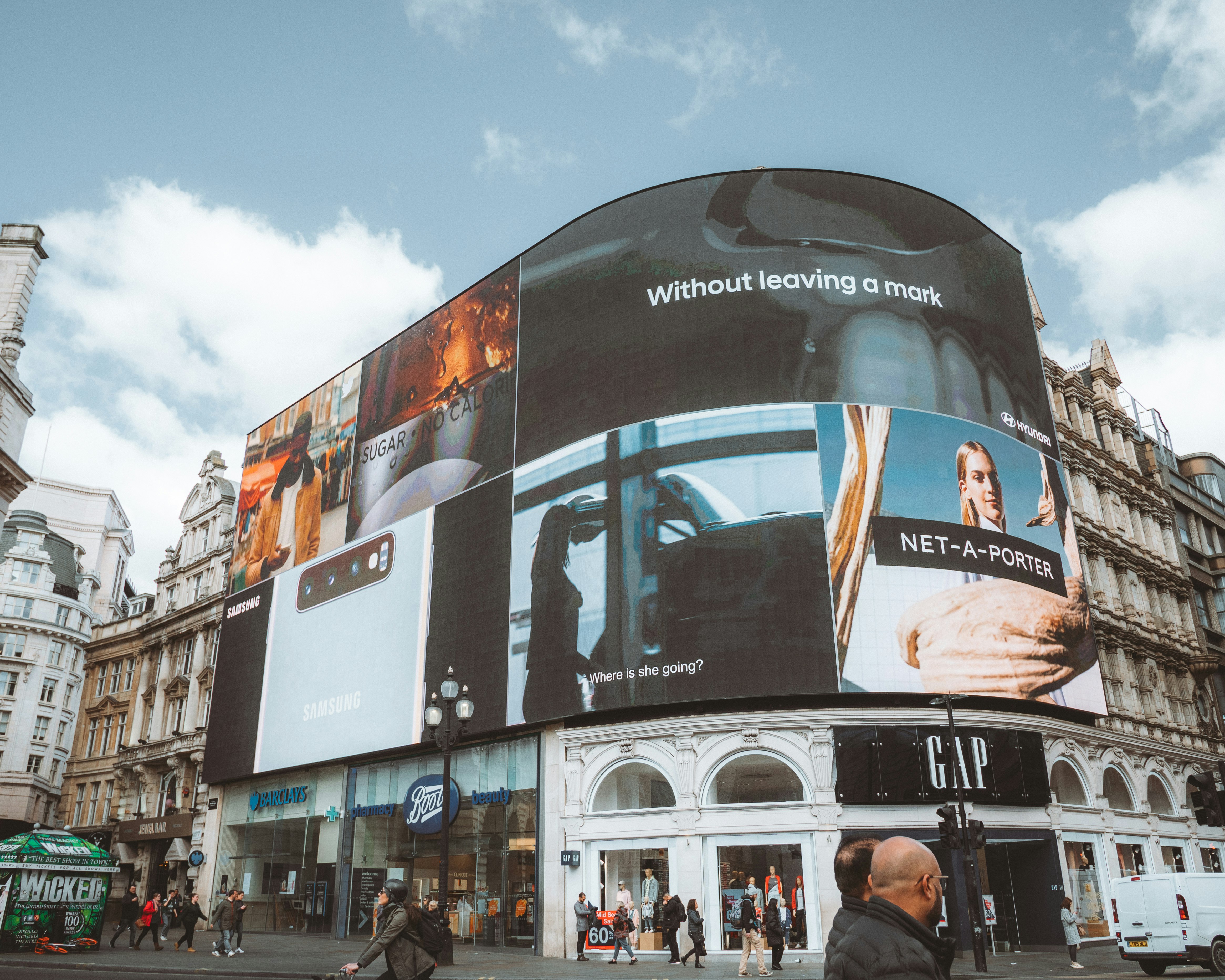
Digital displays have become the backbone of customer engagement across Indian businesses, from QSR chains updating menu prices every morning to corporate offices streaming KPIs on lobby screens. Yet 20% of signage deployments fail due to poor connectivity choices, according to industry analysis. The difference between a signage solution that drives 32% sales uplift versus one gathering dust comes down to matching software capabilities, hardware specs, and IoT connectivity protocols to your specific business needs.



This guide breaks down platform comparisons, connectivity options, hardware selection, scalability planning, and ROI calculations to help you select the optimal digital signage solution for your organisation.
Understanding Your Business Requirements First
Your content workflow determines which signage solution fits best. Retail chains managing 50+ screens need platforms with bulk scheduling and remote updates.
Mandoe excels here with drag-and-drop editors and AI-powered content generation. Australian SMBs using this platform reported 40% faster content updates. The software handles automatic scheduling across multiple locations, making it ideal for dynamic pricing updates.
Content Management Needs
ScreenCloud suits office environments better through Google Slides and YouTube integrations. The platform supports content tagging and multi-user permissions, enabling marketing teams to collaborate without IT involvement.
For healthcare facilities and QSR operations requiring emergency messaging, NoviSign provides fast updates with touchscreen support. The platform prioritises quick content changes, though its interface feels dated compared to newer alternatives.
Budget and Pricing Structures
Monthly per-screen costs vary significantly across platforms:
|
Platform |
Monthly Cost |
Free Options |
Best For |
|---|---|---|---|
|
Yodeck |
₹0-1,250 |
Single screen |
Multi-screen SMBs |
|
FTx |
₹650-1,300 |
None |
Retail chains |
|
NoviSign |
₹1,650-4,050 |
None |
Healthcare/QSR |
|
Mandoe |
₹850-1,650 |
None |
Hospitality |
|
Enterprise |
₹8,250-20,500/user |
None |
Large deployments |
Remember to factor hardware costs (₹25,000-165,000 per display) and installation expenses into your total budget.
Evaluating Software Platforms and CMS Features
Top content management systems handle different business scenarios. BrightSign, Navori Labs, and Acquire Digital manage real-time updates and automation workflows. TelemetryTV stands out with 70+ app integrations, advanced security protocols, and device provisioning capabilities.
Yodeck supports Raspberry Pi hardware with bulk scheduling features. The platform offers a free tier for single screens, making it accessible for small businesses testing digital signage.
Use comparison tools like DotSignage’s Excel-exportable checklist to evaluate up to five providers on criteria like multi-screen support and growth potential.
Integration Requirements
Your signage solution needs to connect with existing business systems. FTx links displays to POS systems through IoT connectivity, syncing inventory levels automatically. This eliminates manual price updates and reduces errors.
OptiSigns pulls external data feeds via API connections. Weather updates, social media feeds, and news tickers keep content fresh without manual intervention.
Cloud-based platforms dominate 2025 deployments, with 70% of businesses choosing them for scalability. These systems enable updates from anywhere, crucial for multi-location operations.
Hardware Selection and Compatibility
Different operating systems serve specific purposes:
-
Android players handle basic display needs at lower costs. They work well for static content and simple video loops.
-
Windows-based players support interactive kiosks with peripherals like barcode scanners and payment terminals. These systems handle complex applications but require more maintenance.
-
Linux-based players excel at video walls through superior GPU support and stability. They provide the reliability needed for 24/7 operations.
Also Read: Digital Signage Hardware Guide
Display Hardware Choices
Screen selection impacts viewer engagement. Philips 55BDL3050Q delivers Q-line reliability for commercial environments. Samsung QE65T adds touch interactivity for wayfinding applications.
Consider brightness levels for your environment. Indoor displays need 350-500 nits, while outdoor screens require 2,000+ nits for visibility.
Raspberry Pi adoption rose 25% among Indian SMBs during 2025. These affordable boards paired with Yodeck software create cost-effective multi-screen setups.
IoT Connectivity Options for Digital Signage
Your signage solution requires reliable data flow through appropriate connectivity protocols:
-
Wi-Fi 6/6E provides high bandwidth for 4K streaming indoors. Most office and retail locations already have Wi-Fi infrastructure, reducing deployment costs.
-
Cellular 4G/5G ensures mission-critical connectivity for outdoor and remote locations. Media players with cellular modules maintain uptime when fixed connections fail.
-
Ethernet delivers stable connections for video walls. Linux players optimise bandwidth usage over wired networks.
-
BLE and LoRaWAN enable low-power sensors that trigger content changes. Proximity sensors display personalised advertisements when customers approach.
Network failures cause 20% of signage downtime. Mitigate risks through dual-SIM media players and edge caching. Store content locally to maintain displays during connectivity interruptions.
Security remains paramount. VPNs and zero-trust models protect your signage solution from unauthorised access. TelemetryTV implements user management protocols preventing content tampering.
Private 5G networks gain traction in enterprise deployments. These dedicated networks provide low-latency IoT connectivity for real-time content updates across large facilities.
Scalability Planning and Future-Proofing
Start with platforms that scale from single screens to thousands. OptiSigns handles multi-device management intuitively, preventing growing pains as you expand.
Your signage solution should accommodate future technology shifts. Hybrid connectivity (Wi-Fi plus cellular failover) protects against network obsolescence.
Edge AI processing reduces latency for interactive applications. Local computation enables instant responses without cloud round trips.
Implementation varies by platform complexity:
-
Cloud-based solutions: 7-14 days
-
On-premise systems: 30-45 days
-
Enterprise deployments: 60-90 days
Poppulo implementations in enterprises cut deployment time by 50% through intuitive interfaces. Their streamlined onboarding reduces IT burden.
ROI Calculation and Performance Metrics
Digital signage solution ROI typically achieves 3-6 month payback periods. Retail environments see a 32% sales uplift from dynamic pricing and promotions.
Track these metrics:
-
Viewer engagement time
-
Content update frequency
-
System uptime percentage
-
Sales conversion rates
GSM-based tracking costs 3x less than GPS alternatives while providing adequate location accuracy for most business needs.
Cost Optimisation Strategies
Reduce expenses through smart hardware choices. Raspberry Pi boards with IoT connectivity modules create affordable multi-screen networks.
Prepaid smart meters in your facility help manage energy costs. These devices track display power consumption, identifying optimisation opportunities.
Choosing the Right Signage Solution
Selecting the right signage solution involves matching platform capabilities, hardware specifications, and IoT connectivity options to your business requirements. Cloud-based platforms with hybrid connectivity provide the flexibility and reliability most Indian businesses need. Start with clear objectives, evaluate platforms using comparison tools, and prioritise scalability for future growth.
Your investment typically pays back within 3-6 months through improved engagement and operational efficiency. Whether you’re updating menu prices in QSR locations or displaying KPIs in corporate lobbies, the right combination of software, hardware, and connectivity transforms static displays into powerful business tools.
For businesses requiring reliable IoT connectivity across multiple locations, Airtel IoT provides enterprise-grade solutions with 95% network coverage across India, supporting everything from POS systems to smart utility meters with 99.99% platform uptime.